03 / At the leadership table
See what needs your attention.
Bring staffing, school culture, finance, and governance into the same conversation. Choose the tools that fit the responsibilities you carry.
Explore leadership tools →
Montessori Makers Alignment Platform
A Montessori school has a thousand moving parts. MMAP connects the classroom, the office, and the people leading it.
Built by Montessorians. From $2 per student/month.
24-student minimum · annual agreement

Walk through the work
Choose a familiar task. See where it lives and how the pieces connect.
Step 1 / 3
The Lesson Planner places children beside the curriculum areas. Start with the child and presentation you want to record, or use Quick Log.
Classroom tools in Surveyor →Availability depends on your tier and school setup. Compare plans.
From a school using MMAP
“There really has never been anything, in my 25 years of teaching and working in schools, that can do so much to support teachers and strengthen classroom learning.”

Step 1 / 3
Open Progress Reports and select a student. Begin with that child’s lesson history and observations, rather than an empty document.
Explore progress reports →Availability depends on your tier and school setup. Compare plans.
From a school using MMAP
“It is robust and powerful and is going to be such a game changer for record keeping.”

Step 1 / 3
The pipeline groups families by stage. Search for a family or filter the view to find inquiries, visits, and applications that need attention.
Explore admissions tools →Availability depends on your tier and school setup. Compare plans.
From a school using MMAP
“I send an email on MMAP and then send an SMS telling parents to check their emails, and because they look at their texts, the emails get read.”
Why it works this way
Dated records keep the child’s context close. The guide interprets the evidence and chooses the next invitation to work.
Children share a classroom while moving through work at different paces. Individual lesson records preserve that distinction.
Visible responsibilities, shared follow-ups and retrievable records help the adults coordinate their work and act independently.
03 / At the leadership table
Bring staffing, school culture, finance, and governance into the same conversation. Choose the tools that fit the responsibilities you carry.
Explore leadership tools →For adolescent programs / Waypoint
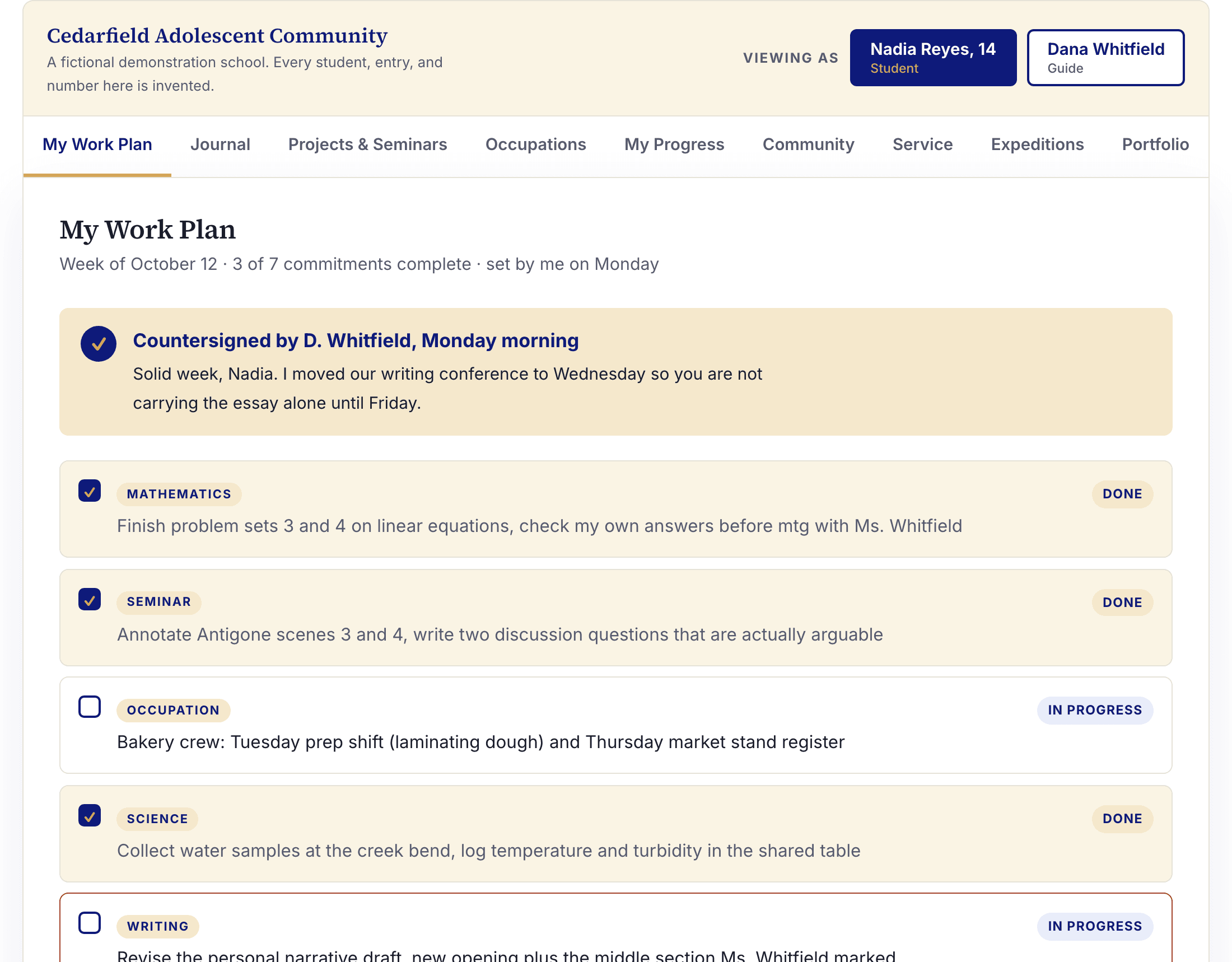
Students plan, reflect, run occupations, and curate portfolios in Waypoint. MMAP supports the adults running the school. Explore the two workspaces and discuss the record-sharing setup your program needs.
Start where your school is
Begin with one classroom or bring the school together. Every tier includes the one below it.
The classroom
$2 / student / month
Lessons, observations, curriculum, and progress.
Explore Surveyor →The school
$3 / student / month
Student records, attendance, families, and enrollment.
Explore North Star →The organization
$5 / student / month
Admissions CRM, HR, adult culture, equity, and SMS.
Explore Mapmaker →School leadership
$7 / student / month
Governance, strategic planning, and leadership visibility.
Explore Atlas →24-student minimum. Billed monthly under an annual agreement. Surveyor has no setup fee; North Star, Mapmaker, and Atlas have a $2,500 one-time implementation fee. Optional add-ons cost extra.
Calculate your school’s cost →Let’s look at your school
See the workflows that matter to your team, talk through the move, and find a sensible starting point.
From a school using MMAP
“I am really impressed with your work, your responsiveness, and your ability to add new features on the fly.”